
 Hi there! Welcome to my blog. My name is Ivan. I am a Dutch IT Professional working as Principal IT Consultant.
 During my journey how to export the SVS application virtualization layers I deleted the C:\MSOCache directory of my Office 2007 Enterprise layer to reduce the amount of space required on my other virtual machine guests. I tried to import this layer into a Windows Server 2003 and found out that the office is requiring me to have the local source installation files. I created this layer at my work and did not have access to those file at this moment. I decided to recreate and fine tune the Office 2007 layer.
I installed Office 2007 Enterprise with all default options, deactivated the layer and than run the option Update Layer (CRTL-U in the SVS admin console); select the office layer and browse to the SP1 file of Office 2007 which I download from here.
Click here to download Office 2007 SP1 at Microsoft
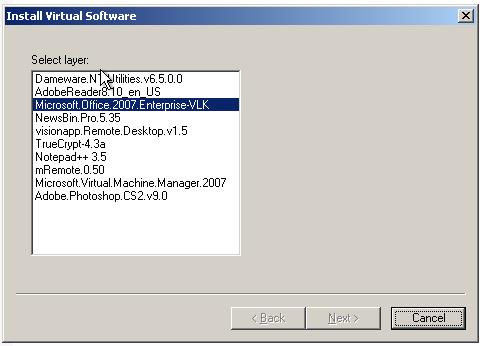
Select the Office 2007 package and click next.
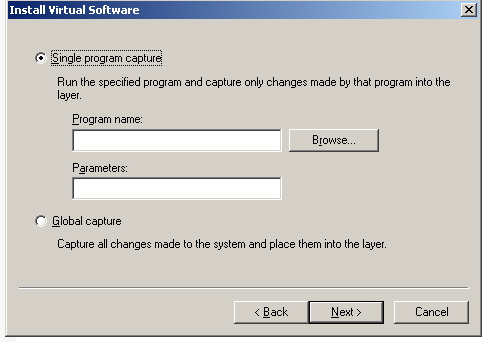
Click browse and locate the SP1 file office2007sp1-kb936982-fullfile-en-us.exe
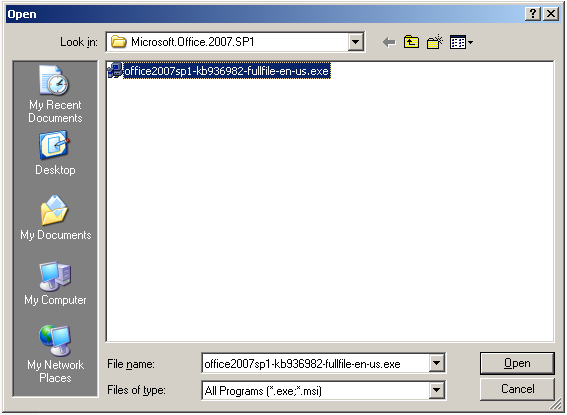
Click Open, Next and Finish to start the installation.
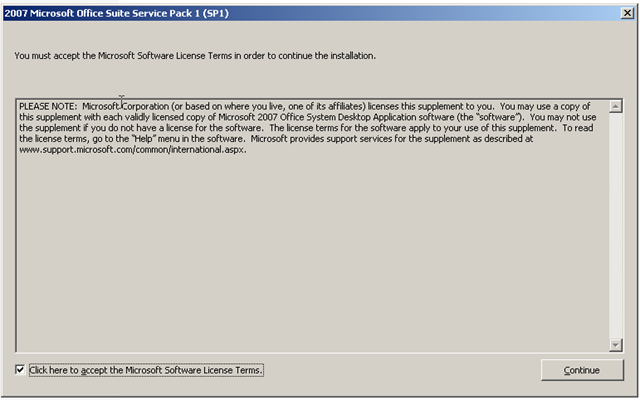
Click the checkbox to accept the license and Continue.
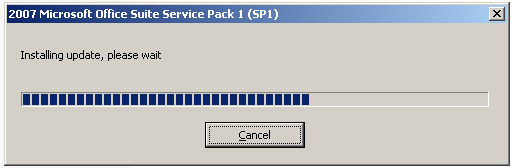
Setup is installing. It took 5 minutes for my virtual machine.
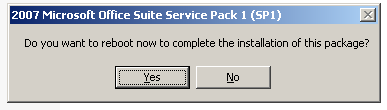
Lol I don’t think this is needed 😉
Click no and check the office apps.
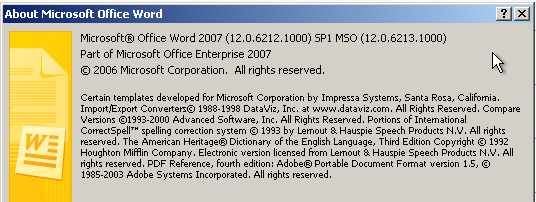
Seems to be installed in Office Word 2007.


Leave a comment