
 Hi there! Welcome to my blog. My name is Ivan. I am a Dutch IT Professional working as Principal IT Consultant.
 The screenshot below shows all my newsletters I am receiving. Now and than I read them but most of the time they are polluting my mailbox with as "Unread Messages"
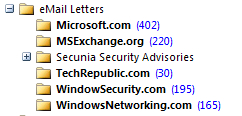
On weekly basis I receive dozen of emails from Microsoft.com, MSExchange.org, WindowsSecurity.com and WindowsNetworking.com. In the end I never read them and the messages are synced back to my BlackBerry and 25-50 messages are unread in my Inbox every month.
I opened one of the WindowsSecurity.com emails and found a link for RSS.
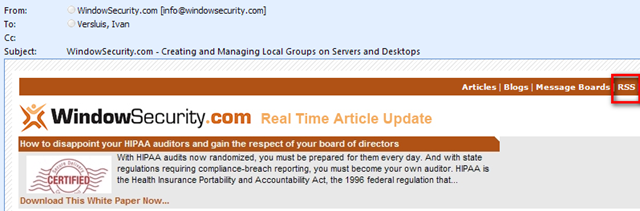
TechGenix.com is behind all those cool newsletters and they offer newsfeeds available as RSS on their websites. I copied the WindowsSecurity.com RSS feed and than went back to Outlook 2007.
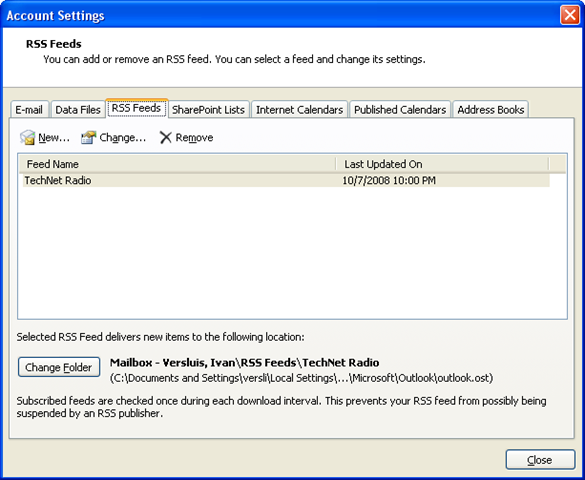
In Outlook go to Tools / Account Settings / RSS Feeds tab and click New
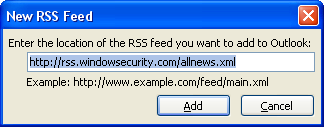
After adding the remaining newsletter feeds my list started to grow 😉
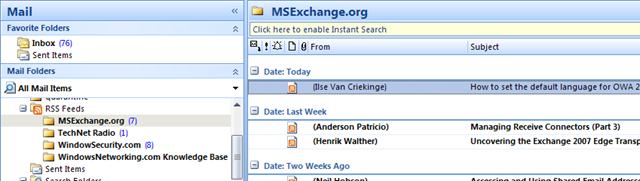
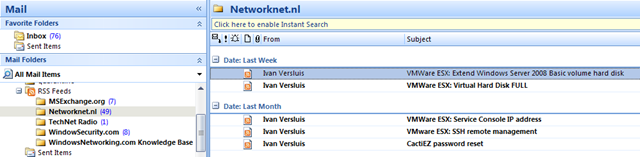
Most of the websites today support RSS and after reading this post you can also my RSS feed Networknet.nl.


Leave a comment