
 Hi there! Welcome to my blog. My name is Ivan. I am a Dutch IT Professional working as Principal IT Consultant.
 If you are planning to deploy and install Windows 7 on your pc’s and you are downloading ISO files than this tool can help you in creating the USB or DVD’s installation files. Now days I only download the ISO files from MSDN of the Microsoft Volume Licensing website.
How to install Windows 7 USB/DVD Download tool?
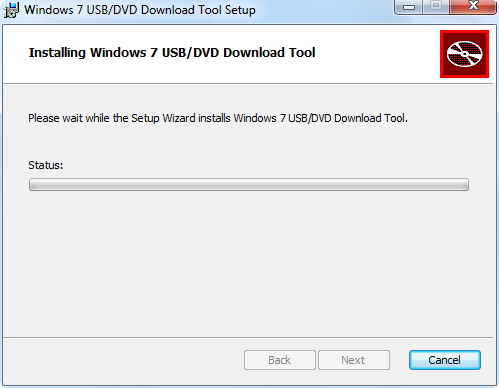
- To download the tool please click here. Run the setup, next and install.
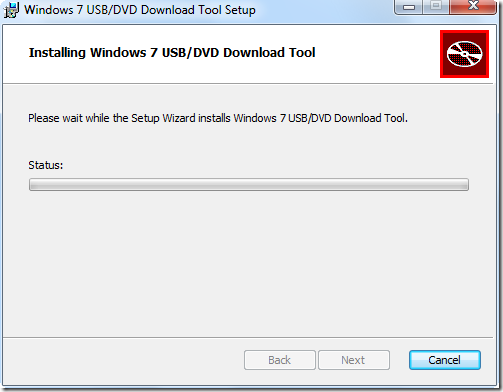
- Start the “Windows 7 USB DVD Download Tool” shortcut from the menu.
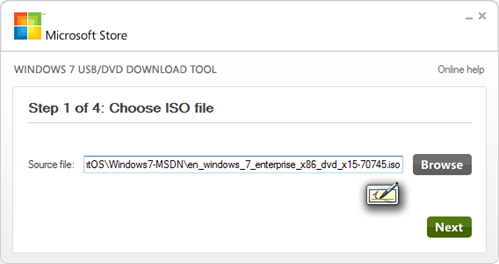
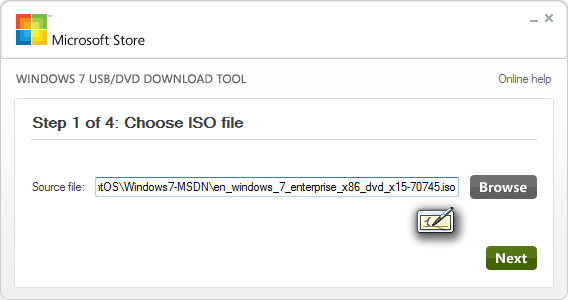
- Browse the iso file and click next.
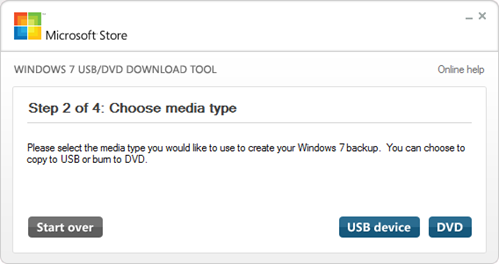
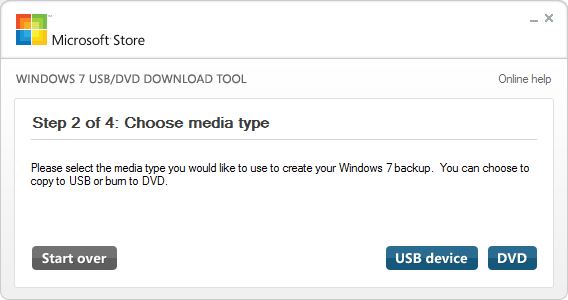
- Choose USB drive or DVD.
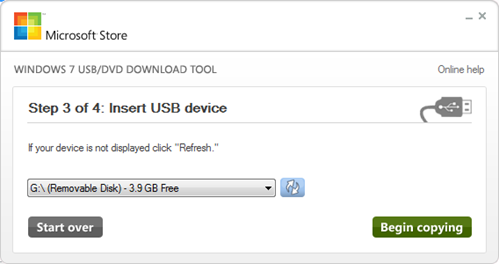
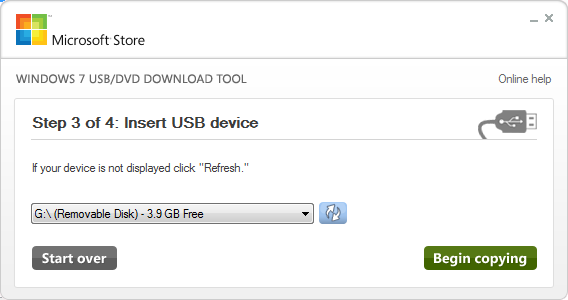
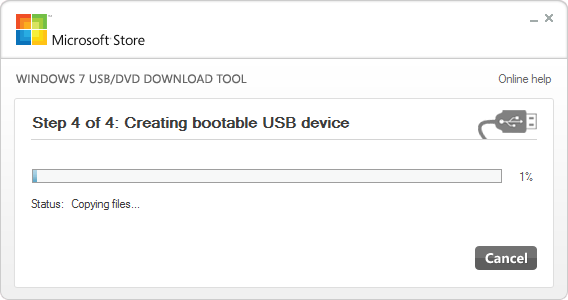
- Select your removable drive and click Begin copying.
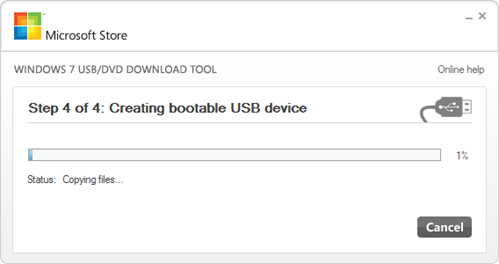
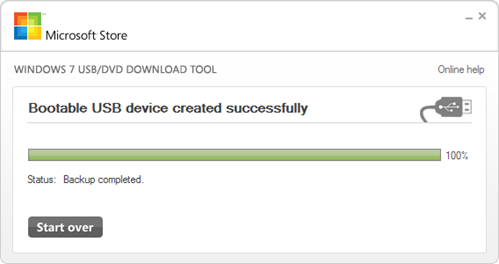
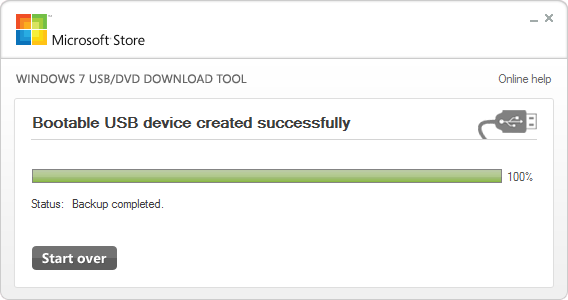
- Bootable USN device created
That’s it! Insert the USB drive and power the system, change the boot order and select the removable drive.


Leave a comment