
 Hi there! Welcome to my blog. My name is Ivan. I am a Dutch IT Professional working as Principal IT Consultant.
 If you are upgrading to Windows 7 from XP you will need to do a clean install, and installing your favorite apps again is time consuming and annoying. Now you can install your favorite applications while waiting they are installed for you. How many times did you go to all the websites, download, installed and configured them over and over again.
With Ninite things have become smarter and more efficient.
Ninite runs on Windows XP/Vista/7 and works in the background 100% hands-free. We install apps with default settings and say “no” to browser toolbars and other junk. All we do is install the latest versions of the apps you choose. Not even Ninite is installed.
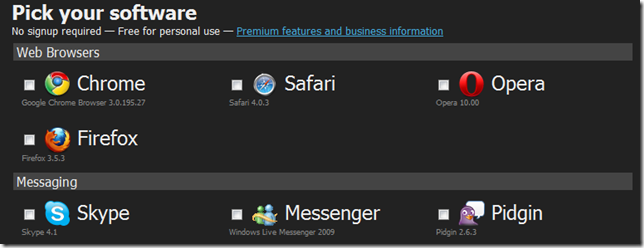
Just pick your favorite apps and download the installer. In minutes the tools are installed for you and you can focus on more important things.
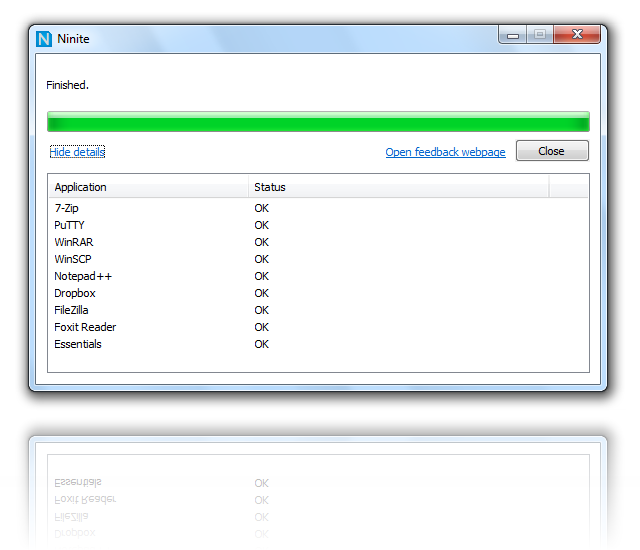
Click here to run and install application by yourself as never before.


Leave a comment