
 Hi there! Welcome to my blog. My name is Ivan. I am a Dutch IT Professional working as Principal IT Consultant.
 If you using a OEM Windows installation often there will be a wallpaper set when you login from the console or with Remote Desktop services. For me this is annoying when using RDP session as it is slow to render the wallpaper bitmaps over the internet connection or WAN.
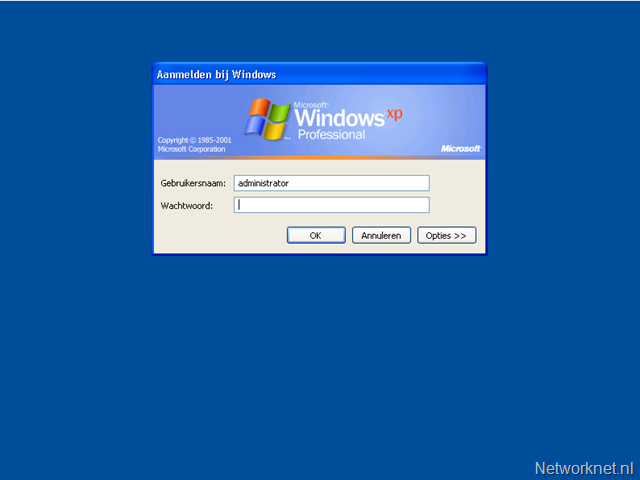
I prefer the disable this.
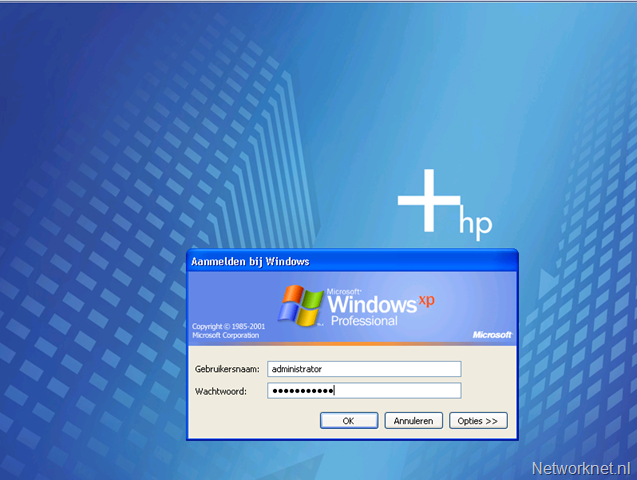
Example
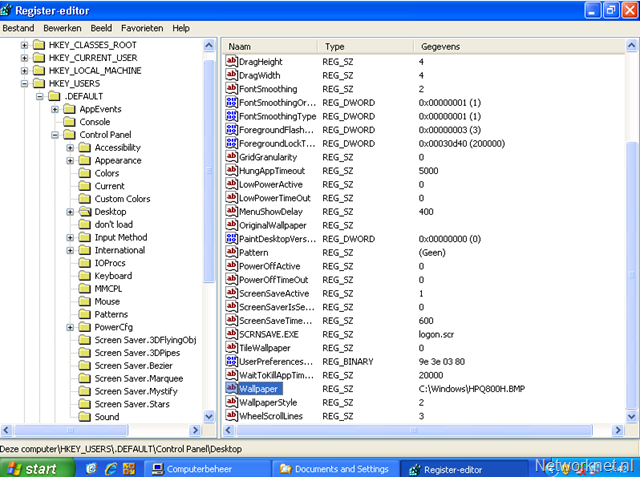
Open RegEdit and navigate to HKEY_USERS\.DEFAULT\Control Panel\Desktop and check Wallpaper key. To disable the wallpaper just delete this or use a script.
reg delete "HKEY_USERS\.DEFAULT\Control Panel\Desktop" /v Wallpaper /f
If you are managing Dell servers with OEM installation than there is also the large bitmap wallpaper and using the script above will disable it.


Leave a comment