
 Hi there! Welcome to my blog. My name is Ivan. I am a Dutch IT Professional working as Principal IT Consultant.
 If you are managing routers, switches and linux machines then sometimes it makes sense to install a SSH daemon on your Windows machines. I installed freeSSHd daemon which is free on couple of my Windows Server 2008 machines. Loading my Windows machines with SSH I have an unified way of administrating my environment.
What is freeSSHD?
freeSSHd, like it’s name says, is a free implementation of an SSH server. It provides strong encryption and authentication over insecure networks like Internet. Users can open remote console or even access their remote files thanks to buit-in SFTP server.
Current version: 1.2.1
Go to http://www.freesshd.com/index.php?ctt=download and download the latest version of freeSshD deamon.
Run and allow the setup file.
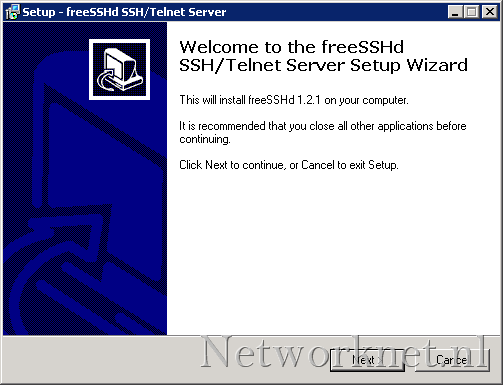
Click Next, Next, Next, Next and Install. Click Yes to generate the private keys.
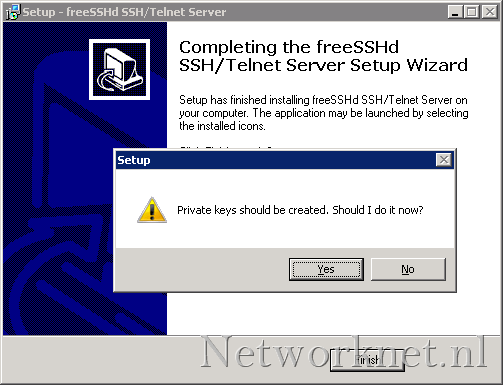
Click Yes to run the freeSshD as system service.
Click Finish to close the installation wizard.
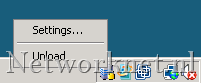
Open FreeSSHd shortcut on the desktop. FreeSSHd will start and new icon will appear on the right side of the taskbar. Right-click and choose settings.
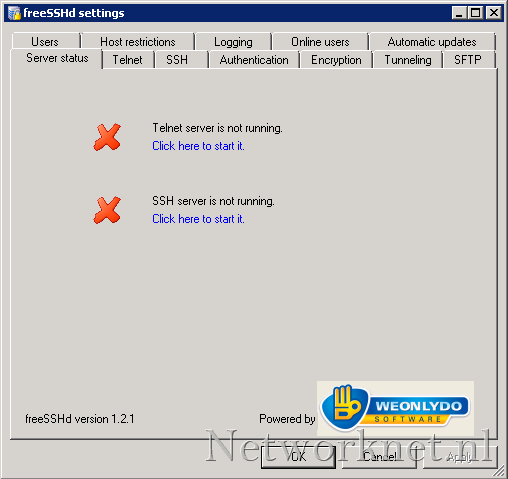
“Click here to start it” to start the SSH server service.
Start putty or add mRemote SSH connection to your Windows Server:
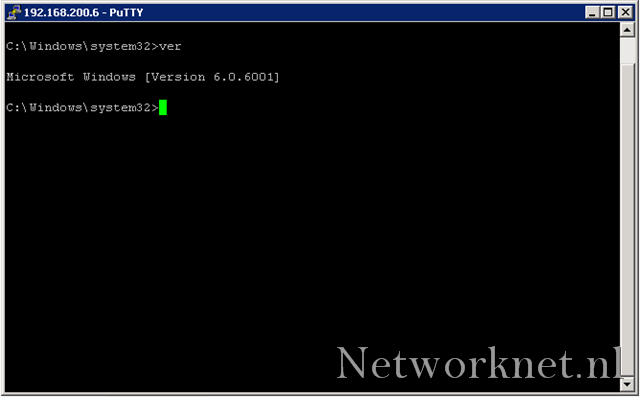
PS: don’t expect too much on the performance as you would connect to a linux based SSH server; for example you can’t scroll ;-(. At least there is a remote shell and you can securely transfer files from Internet to it.


Leave a comment