
 Hi there! Welcome to my blog. My name is Ivan. I am a Dutch IT Professional working as Principal IT Consultant.
 While ago I installed CactiEZ 4.0 as a virtual machine on my Hyper-V server and forget the admin password to login into the web interface. I installed the system and didn’t to finish the configuration. When you install CactiEZ and logon for the first time with username ‘admin’ you are required to change the password.
Now my access was blocked. 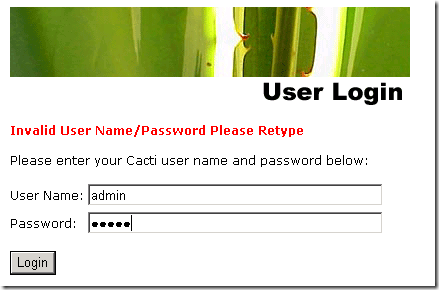
To reset the admin password logon on the appliance console and run the following command lines:
- mysql cacti
- update user_auth set password(md5)=’admin’ where username=’admin’;
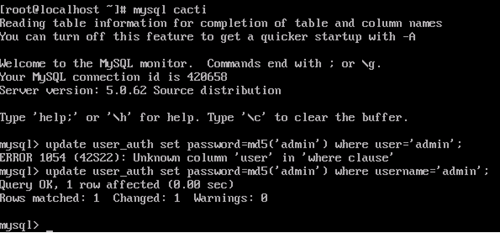
This will reset the admin password and allow you to login into the webinterface.
Related links:


Leave a comment