
 Hi there! Welcome to my blog. My name is Ivan. I am a Dutch IT Professional working as Principal IT Consultant.
 Thanks to guys from Telnetport25 I was able to finish my SSL certificate migration for my new Windows Server 2008 virtual machine running a Exchange 2007 SP1 installation.
My work log:
- Logon on the old Windows Server 2003 hosting the OWA front-end role
- Start MMC and add the Certificate Snap-In; choose the Computer Account.
- Go to Personal/Certificates and locate the SSL certificate assigned to IIS for SSL encryption. Right click ; All Tasks and choose export. Choose the appropriate options like the certificate path; assign password and save the PFX file to "My Documents"
- Copy the PFX file to your Windows Server 2008 Client Access Server
- Logon on the Windows Server 2008 and add the Certificate Snap-In to a new MMC console for the Computer Account
- Go to Personal/Certificates; right click; All Tasks and choose Import.
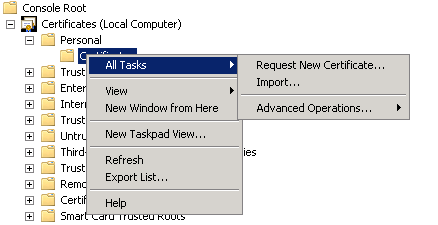
- Locate the PFX file; enter the password and make sure you check "Mark this key as exportable" to enable future migrations of the SSL certificate.
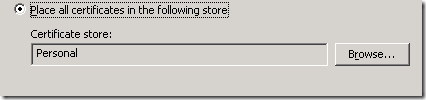
- Place the certificate in the Personal Store
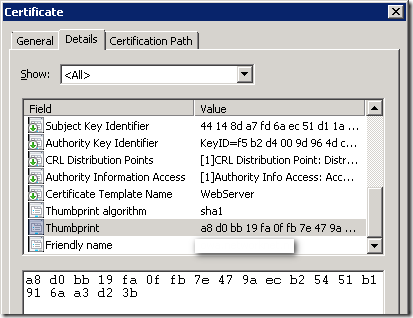
- Open the certificate and go to Details tab. Locate the Thumprint field and select Value with mouse; press CRTL-C to copy the data.
- Paste the value in Notepad and replace the "SPACE’ with CRTL-H. In the Find what field press space on the keyboard and click Replace All
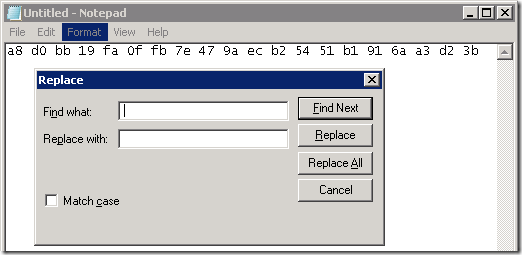
- Copy the Thumbprint
- Start the Exchange Management Shell and run the Enable-ExchangeCertificate cmdlet
- Type IIS as Services and paste the copied data from Notepad to Thumbprint
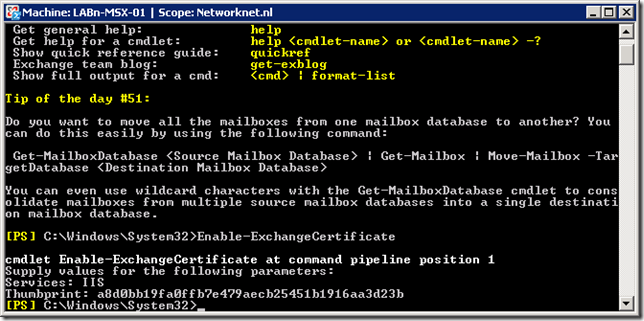
- Start Exchange Management Console and go to Server Configuration / Client Access / Select the server and open owa from Outlook Web Access tab
- Type External URL of the SSL certificate and DNS. E.g. https://webmail.domain.tlk
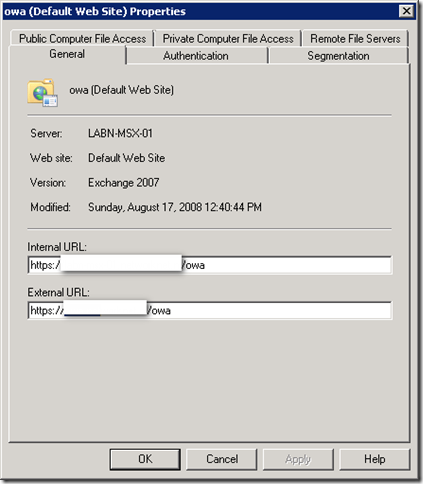
- Click OK and you are finished to test the configuration.
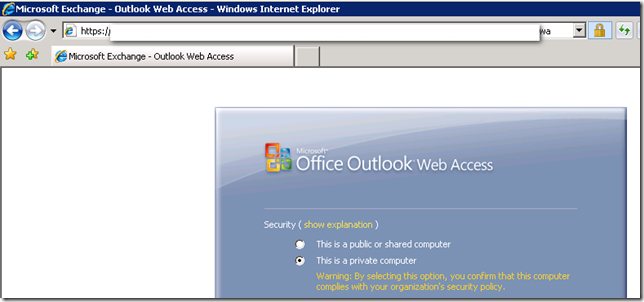
- Start IE and test your OWA role. Review your NAT and Firewall rules also.
Related links:


Sean
Exactly what I needed. Thanks for this!