
 Hi there! Welcome to my blog. My name is Ivan. I am a Dutch IT Professional working as Principal IT Consultant.
 Since two weeks I am becoming Ubuntu fan and I am missing some of my windows applications. Nero is one of those and thanks to Nero they ported their burning solution for Linux also. Download the trial from Nero.com website here.
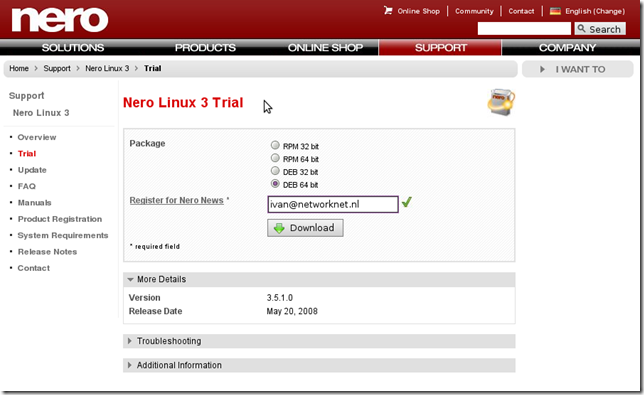
Start a new terminal session and run dpkg to install the Linux version of Nero Burning Rom.
sudo dpkg -i nerolinux-3.5.1.0-x86_64.deb
Go to Applications / Sound & Video/ Nero Linux and start the burning solution.
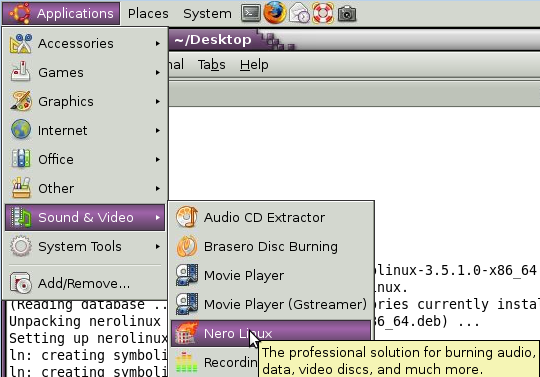
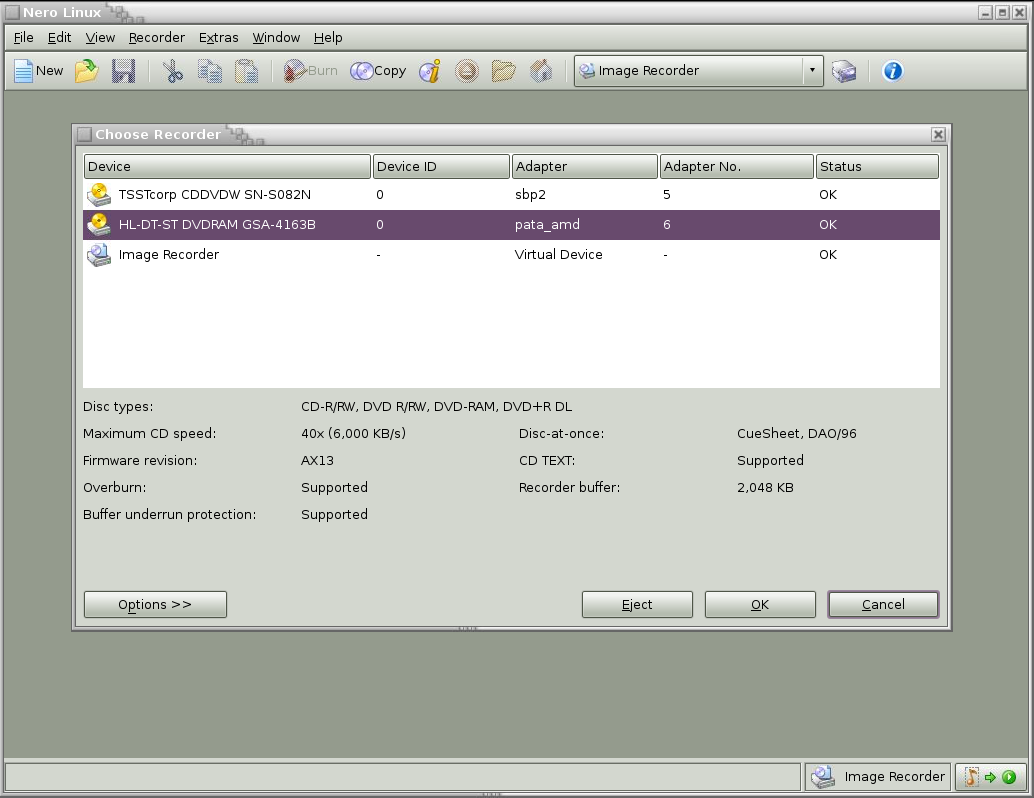
Pretty straight forward; right? Think about when installing Nero on Windows ;). First we have this 100MB+ installation source and than install the complete suite of tools; with Linux installation I get what I want.


IT Hans
Amazing Amazing.
Fantastic software, the best i ever saw.
Kind regards,
Hans Stad Sr. Consultant
Michael
Did you transfer your window’s license? I’m dumping Windows completely and forcing my family to use Ubuntu (heh heh) and I (actually) own a Nero 9 license for Windows. Did you have a legit Nero copy for Windows? Did you buy the linux version, or were you have to transfer the license? Since I paid for a windows copy, I’d really rather not have to pay again for the linux version even if it is pretty cheap when I’m not going to use the Windows copy I already paid for.