
 Hi there! Welcome to my blog. My name is Ivan. I am a Dutch IT Professional working as Principal IT Consultant.
 After Windows Server 2008 RTM was released I download and made a DVD. I installed the Hyper-V beta release and start testing the Microsoft’s hypervisor.
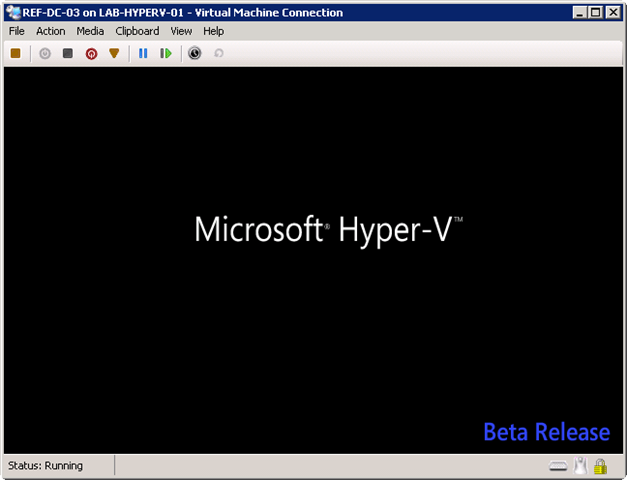
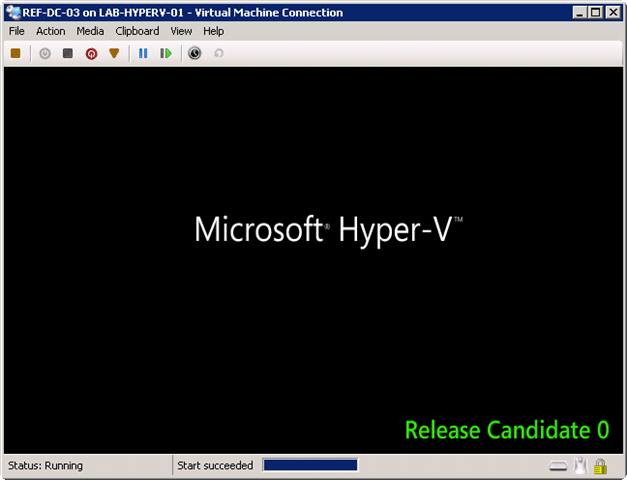
The Release Candidate 0 (RC0) update to the Hyper-V role provides improvements to security, stability, performance, user experience, forward compatibility of configurations, and the programming model. All users of the Hyper-V role are encouraged to apply this upgrade. After you install this item, you may have to restart your computer. So I download the Hyper-V RC0 from here.
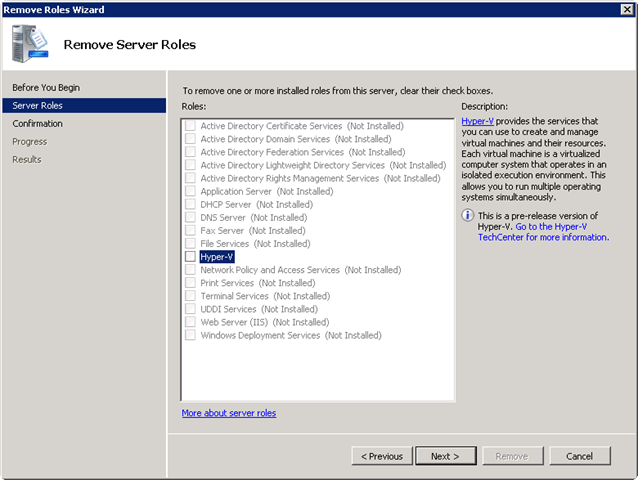
I uninstalled the current installed Hyper-V role and reboot. After the reboot I applied Windows6.0-KB949219-x64.msu and reboot the server to finish the update. After installing and rebooting the server I upgraded the hypervisor in 15 minutes.


Leave a comment