Powershell: schedule script with Windows Scheduled Tasks service?
I have created my PowerShell script but what's next. I don't want to run that manually each time I need certain output of the script. Windows has Scheduled Tasks service which allows you to schedule tasks.
How to schedule PowerShell scripts?
My email2sms.ps1 script is grabbing a text file which is generated by a application and this file should be delivered by a text message daily.
The following steps will create a new scheduled task, and execute my PowerShell script from a command file (which is not required). To execute a PowerShell script from command prompt, the ExecutionPolicy needs to be set to RemoteSigned. To change the PowerShell Execution Policy open Windows PowerShell and run:
| |
The new policy allows system to execute PowerShell scripts that are created locally.
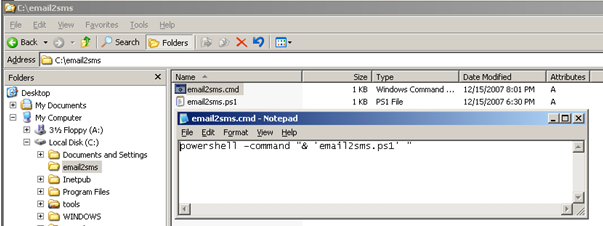
Open Notepad and paste the line below with the location the PowerShell script. Save the file.
| |
Windows XP or Windows 2003
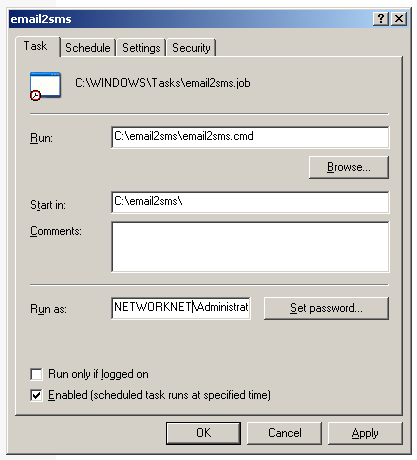
- Control Panel / Scheduled Tasks. Create new task and locate the CMD file. Fill out all required options like user account, schedule and Start In
Windows 7 or Windows Server 2008
- Control Panel, click System and Security, click Administrative Tools, and then double-click Task Scheduler. Create Basic Tasks and locate the CMD file.
Example: