Windows 7: USB/DVD Download Tool
If you are planning to deploy Windows 7 on your PCs from downloaded ISO files, this tool can help you create USB or DVD installation media. These days, I download ISO files from MSDN or the Microsoft Volume Licensing website.
The Windows 7 USB/DVD Download tool allows you to create a copy of your Windows 7 ISO file on a USB flash drive or a DVD. To create a bootable DVD or USB flash drive, download the ISO file and then run the Windows 7 USB/DVD Download tool. Once this is done, you can install Windows 7 directly from the USB flash drive or DVD.
Install and use the Windows 7 USB/DVD Download Tool
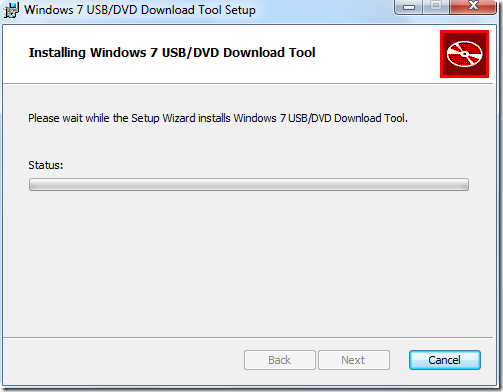
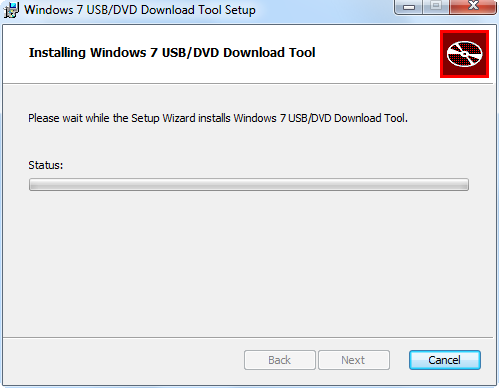
- Download the tool here. Run the setup, click Next and install the tool.
- Start the “Windows 7 USB DVD Download Tool” shortcut from the menu.
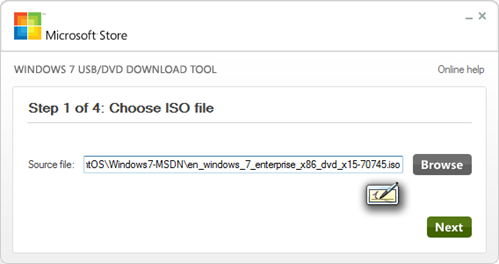
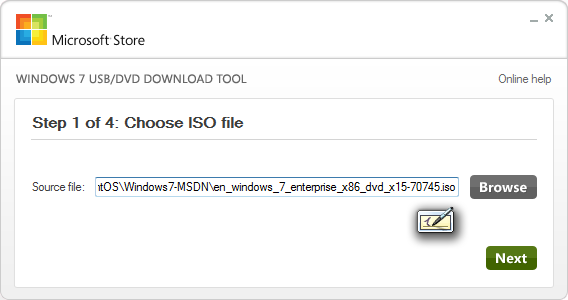
- Browse to the ISO file and click Next.
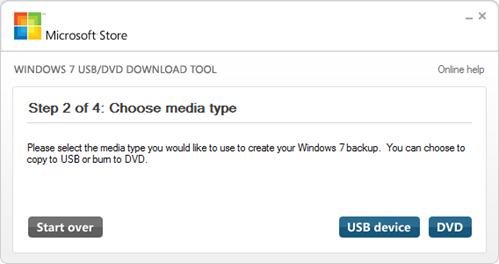
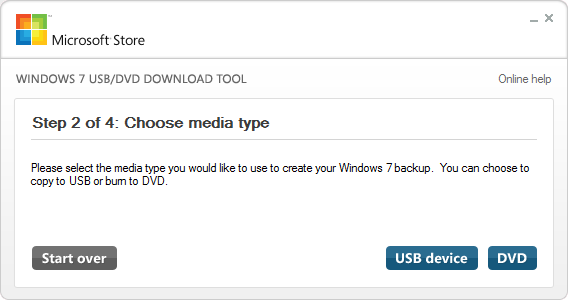
- Choose a USB drive or DVD.
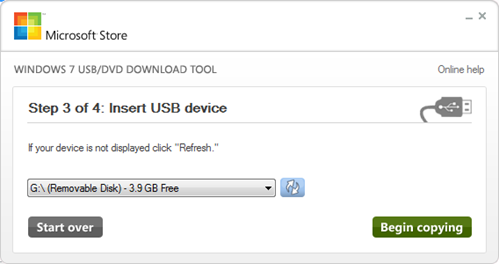
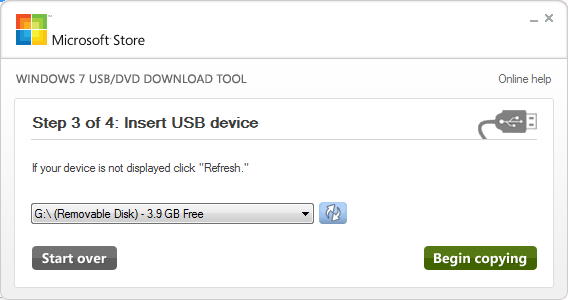
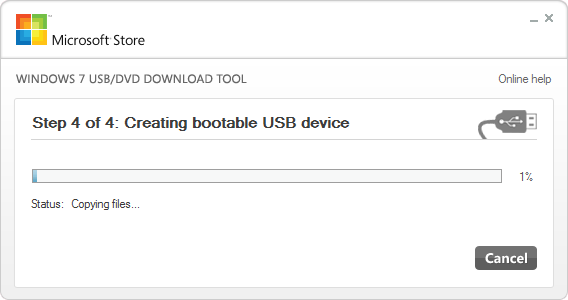
- Select your removable drive and click Begin copying.
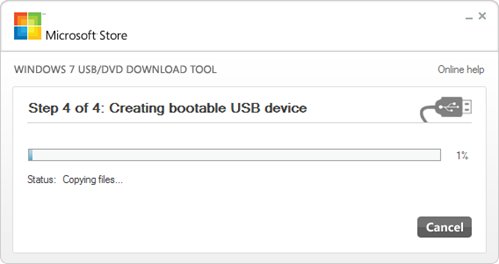
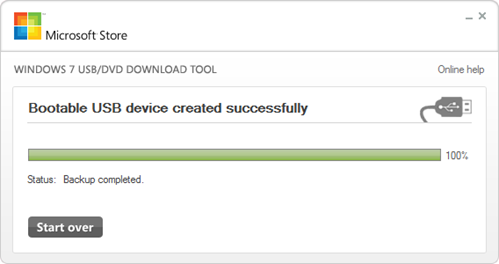
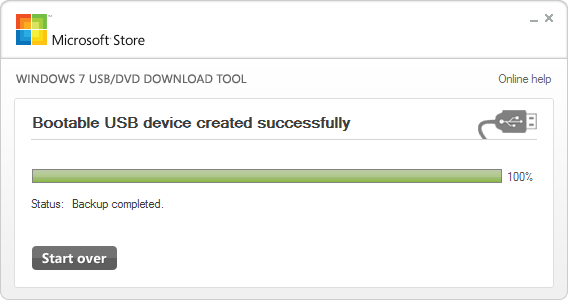
- The bootable USB device is ready.
Insert the USB drive, power on the system, change the boot order and select the removable drive.
2 mentions