Software deployment: Install applications with Ninite
Upgrading from Windows XP to Windows 7 requires a clean install. Reinstalling your favourite applications takes time: visiting each website, downloading the installer and configuring the application again.
Ninite automates the application installation.
Ninite runs on Windows XP/Vista/7 and works in the background 100% hands-free. We install apps with default settings and say "no" to browser toolbars and other junk. All we do is install the latest versions of the apps you choose. Not even Ninite is installed.
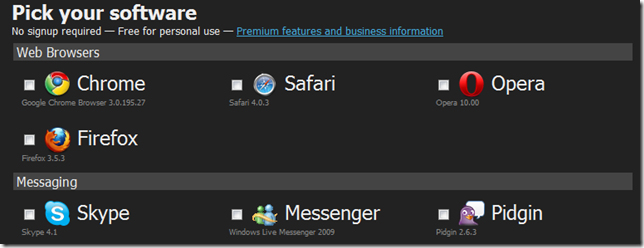
Choose your applications and download the installer. The tools are installed for you in minutes.
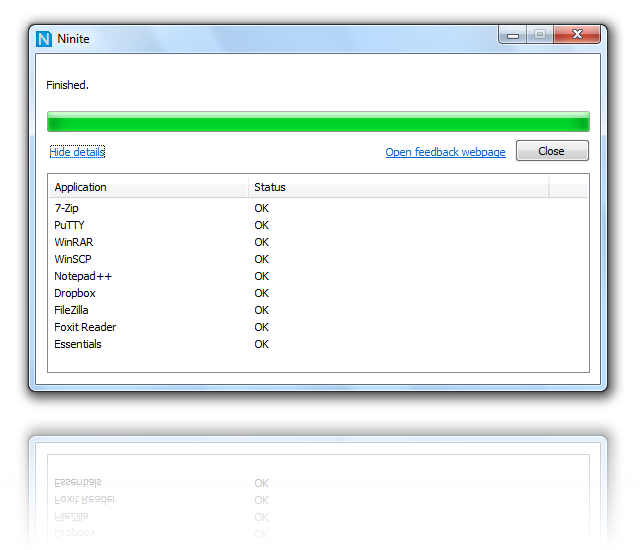
Try the installer at Ninite.