QNAP: Firmware v3 and the new web interface
QNAP has released firmware v3 with a new AJAX-based interface for its NAS systems.
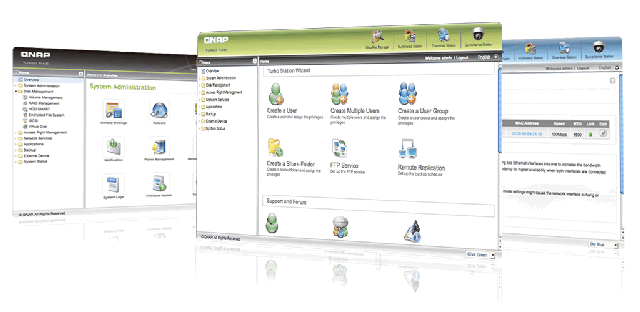
Firmware v3 features
- Virtual Disk lets the NAS connect to other iSCSI targets over the network using its built-in iSCSI initiator for storage expansion.
- The EXT4 file system supports larger volumes (>16TB) and higher performance than EXT3. For more information, please visit http://en.wikipedia.org/wiki/Ext4.
- With UPnP discovery, you can discover your NAS from any OS that supports UPnP. With Bonjour enabled, you can use the Finder to find the NAS or its services, e.g. AFP, on Mac OS X. There is no need to enter the IP address or configure the DNS servers.
- QPKG lets users install additional software packages developed by the community through a download-and-install interface.
- IP Filter/Network Access Protection
- The NAS records system errors, warnings and connection logs. You can right-click log records to manage them and block a host IP address.
- QFinder for Windows & Mac discovers and configures a QNAP NAS and supports features such as Wake-On-LAN where applicable. QFinder4Mac is available as a native OS X application.
- QGet for Windows & Mac lets you control Download Station jobs remotely.
- The new UI supports popular browsers, including Microsoft Internet Explorer 7 & 8, Apple Safari 3 & 4, Mozilla Firefox 3, and Google Chrome.
- A wizard guides you through the configuration process.
- Resource Monitor provides a live view of CPU usage, a disk-usage pie chart and bandwidth-transfer statistics.
- The built-in RSS feed provides QNAP news about firmware, applications and QPKG packages.
- You can switch the GUI display language.
- Select your favorite theme color for the web interface of the NAS. The settings will be applied automatically.
- Real-time list search helps you find a user, group or shared folder within just a second.
- TwonkyMedia: TwonkyMedia works with DLNA-certified digital media adapters or UPnP AV-compliant devices, such as AV systems, TVs, PCs, game consoles and mobile devices (e.g. Apple iPhone).
I was impressed by the range of features. Upgrading my TS-109 from v2 to 3.1.0 Build0708 went smoothly, and the NAS feels quicker. Memory usage is unchanged, with only 3 MB free in my configuration.
If you own a QNAP NAS, check its website for the firmware update.
The interface on my TS-109
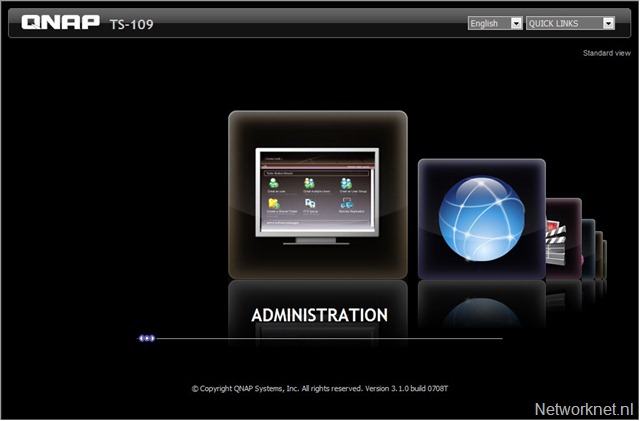
a) The QNAP v3 administration interface.
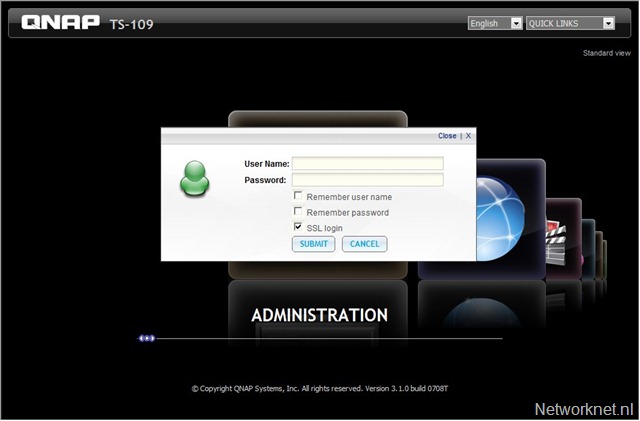
b) The AJAX login window, with an option to remember the username and password.
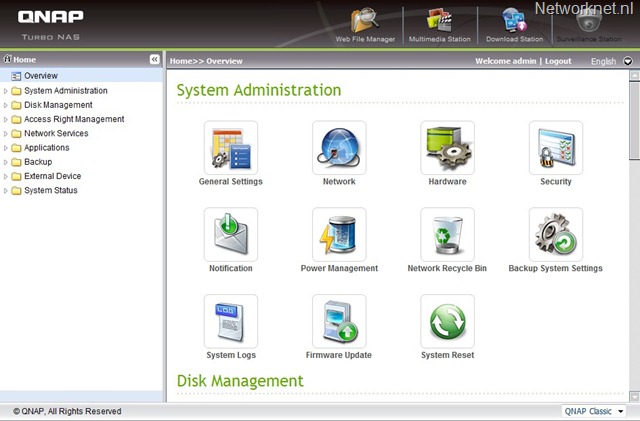
c) The QNAP Turbo NAS overview. I really like the new icons and interface.
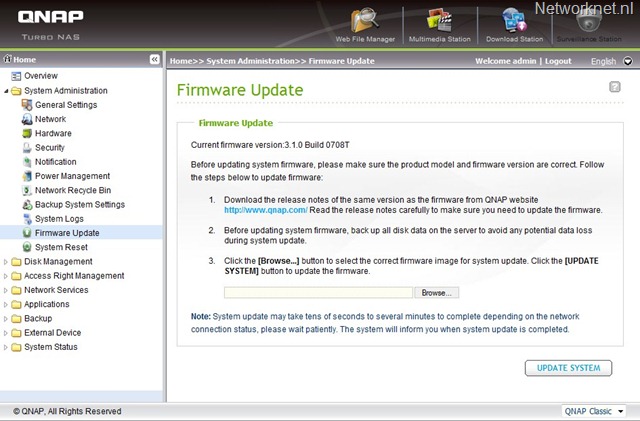
d) The QNAP firmware update screen.
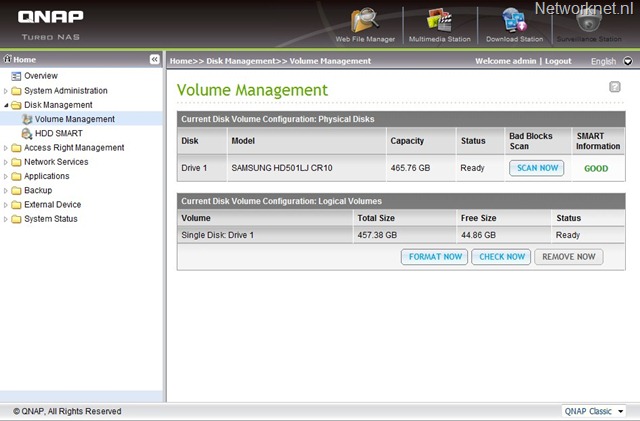
e) The QNAP volume management screen.
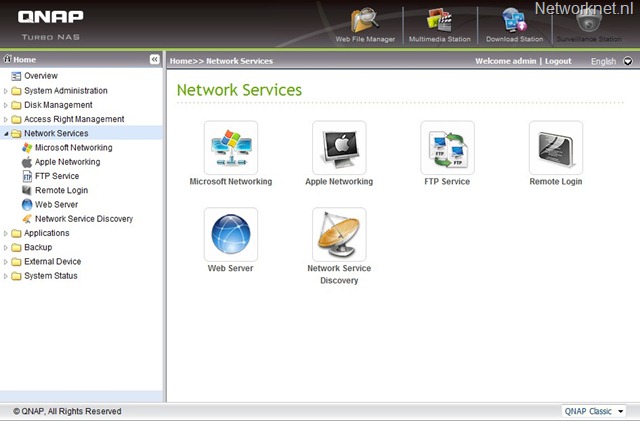
f) The QNAP network service screen.
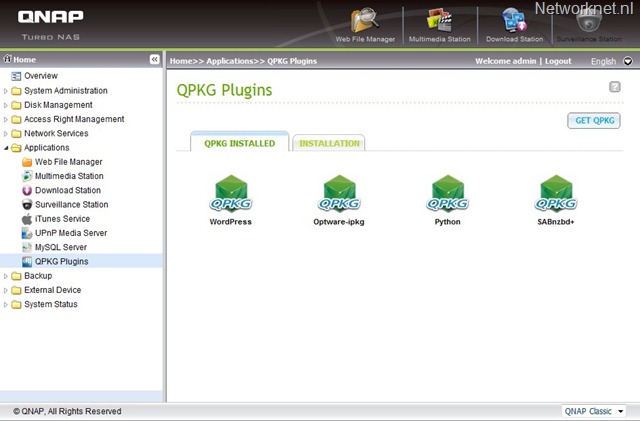
g) The QNAP QPKG plug-ins screen.