Tools: ImgBurn on Windows Server 2008
ImgBurn is a free tool for burning CD/DVD images. It supports the latest drives, including booktype / bitsetting on many major models. Its context menus provide access to advanced features.
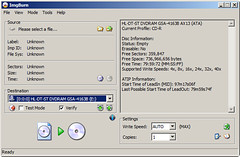
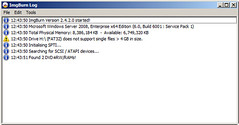
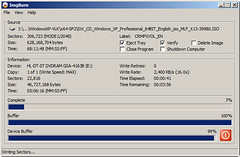
If you use Wine, it should also run on Linux and other x86-based Unixes. If you have not heard of ImgBurn before, download and install it. I use it to burn CD-ROMs from my Windows Server 2008 Hyper-V system, and it works well.
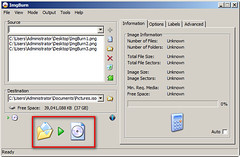
Another useful feature is creating an ISO file from a folder, then mounting that ISO in a Hyper-V or ESX virtual machine. I have used this many times in test and production environments.
2 comments
Comments from the original WordPress site, kept read-only.
ok
Cool, thanks, now I am also doing it too!. It is saving me time from shutting down my main machine and go back to Win7 just to burn iso files...thanks for testing it and let people know