CactiEZ: Reset the admin password
A while ago, I installed CactiEZ 4.0 as a VM on my Hyper-V server and forgot the admin password for its web interface. I had installed the system but had not finished configuring it. CactiEZ requires you to change the password when you first log in as admin.
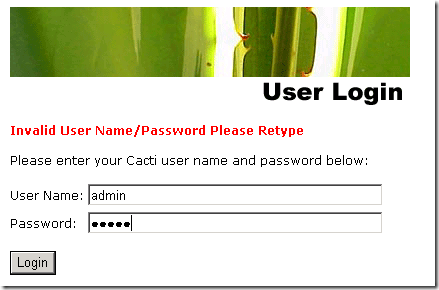
I could no longer log in:
To reset the admin password, log in to the appliance console and run:
| |
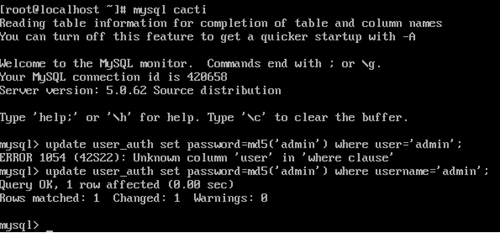
This resets the admin password and allows you to log in to the web interface.