Hyper-V RC0: remote management permissions on Windows Vista
After installing the Hyper-V Remote Management MMC console on my Windows Vista SP1 client, I encountered this error when connecting to Windows Server 2008 Hyper-V RC0 hosts in a workgroup. Other users have encountered the same problem.
You do not have the requested permission to complete this task. Contact the administrator of the authorization policy for the computer ‘COMPUTERNAME’
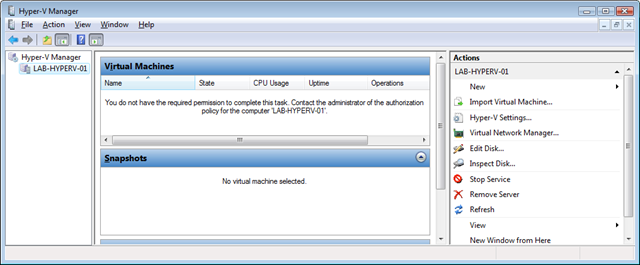
The Windows firewalls on the client and server are not configured to allow remote WMI management communication, and the WMI and DCOM components need to be configured manually.
John Howard, Senior Program Manager at Microsoft, spent 2.5 hours describing in detail how to fix the problem. Thanks to John, I had communication with my Hyper-V RC0 host working in less than 15 minutes. The netsh scripts did not work for me, so I enabled the rules manually.
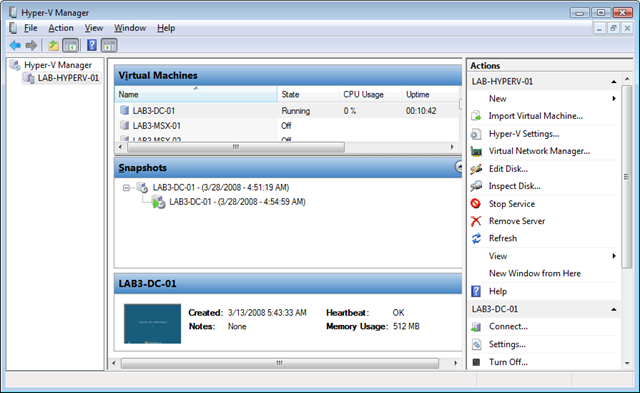
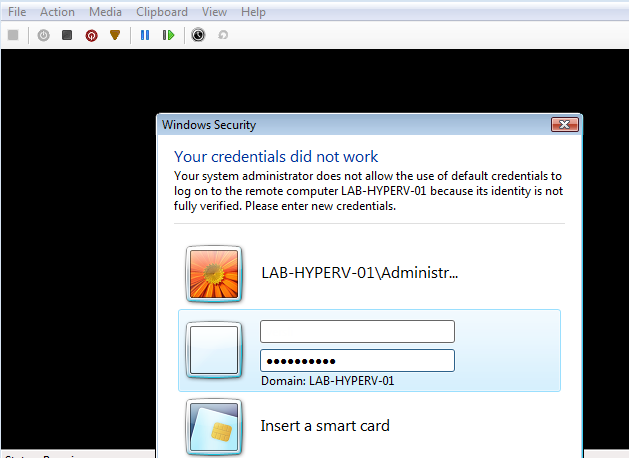
When I try to connect to one of my virtual machines, I am prompted for credentials. Use the following command to store them:
| |
I tried this, but my Lenovo Fingerprint software has some bugs and I receive many error messages. That is something to report to Lenovo. I can now use the Hyper-V MMC console from my Windows Vista client, and I love it.
1 comment
Comments from the original WordPress site, kept read-only.
I had similar problems with V server 2005 running on SBS . Could I usee VMMC