Hyper-V RC0: remote management from Windows Vista SP1
KB949758 lets you install the remote management console for Windows Server 2008 hosts running the Hyper-V RC0 role. If you run Windows Vista SP1, download the x86 or x64 update.
I have already encountered problems a couple of times when managing my virtual machines remotely through an RDP console session.

When I use Hyper-V Manager Virtual Machine Connections through an RDP console session, only the keyboard works; I cannot control the mouse. The message is "Mouse not captured in Remote Desktop Session".
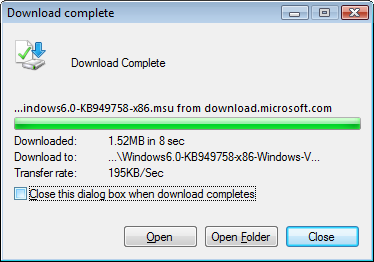
The update for my x86 machine requires only 1.52 MB of space and 5 minutes to install.
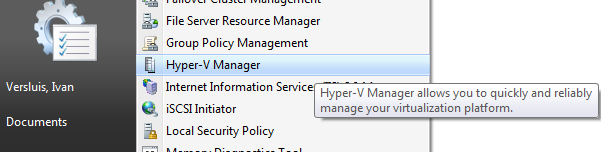
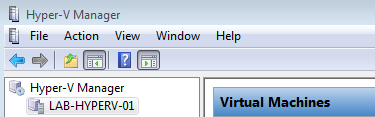
After the update is installed, go to Administrative Tools and start the Hyper-V Manager MMC console for your Windows Server 2008 Hyper-V RC0 hosts.
1 comment
Comments from the original WordPress site, kept read-only.
I am using Remote desktop connectin to oonnect to Server 2008 with Hpyer-V. I can use the mouse on host computer but not on VM. I got message " Mouse not captured in remote Desktop session'. Please help. Thanks