WordPress 2.5: Pages widget exclusion workaround

Two hours ago, I upgraded Networknet.nl to WordPress 2.5. Immediately after the PHP binaries and database were upgraded, I encountered my first problem. The Pages widget in my Widgets Design Sidebar lists pages on the right side of the blog, from "About me" to VMware.
For some topics, I had created pages instead of WordPress posts and linked them to a parent page. These two pages were excluded from the Pages widget. After the upgrade, the widget became very large, showing 30+ pages. I searched the WordPress support site and found that someone had already reported the problem. There were no replies yet apart from mine.
Exclude the pages manually
I did not want to downgrade WordPress, so I used the following method to query the page IDs and exclude them manually without investigating the PHP code.
- Open phpMyAdmin.
- Select your WordPress database.
- Open wp_posts and click SQL.
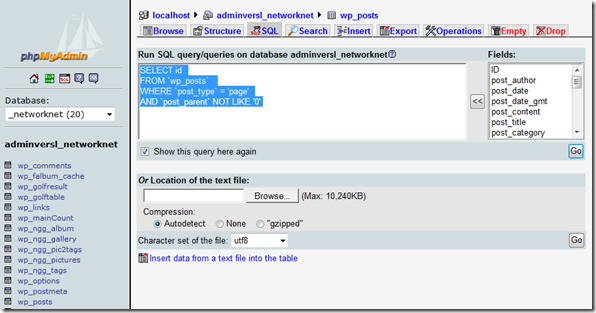
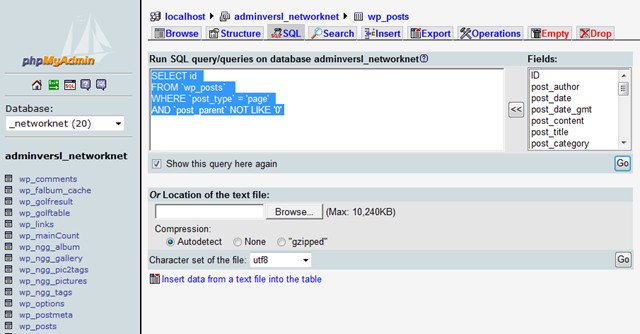
- Paste this SQL query:
Code4 lines 1 2 3 4SELECT id FROM 'wp_posts' WHERE 'post_type' = 'page' AND 'post_parent' NOT LIKE '0' - Click GO, then Export. I exported the results as CSV to Excel and copied all the cells into Notepad.
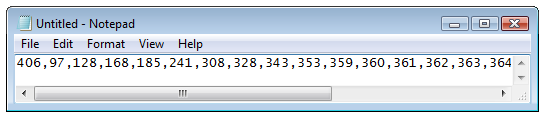
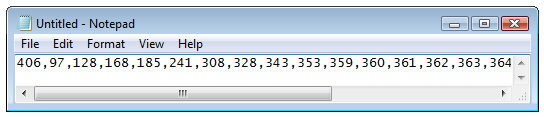
- Paste the page IDs into the Pages widget's exclusion field.
It is a rough workaround, but it solved my problem in less than 5 minutes for now.