Installing Windows Vista Service Pack 1 (SP1)
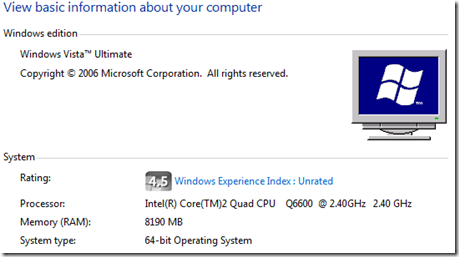
Before downloading the SP1 package, check your Windows Vista version. To find out which edition you are running, click Start, right-click Computer, and then click Properties. In the System section, you can view the operating system under System type. If you are installing SP1 from an installation disc, the correct version will install automatically.
Download the update
I am currently running the 64-bit version of Windows Vista. Download the Windows Vista SP1 standalone update: x64 | x86
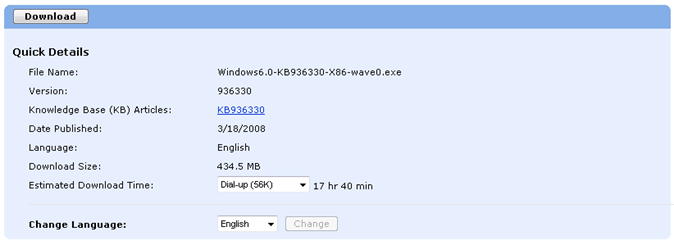
Select the language and download the installation package.
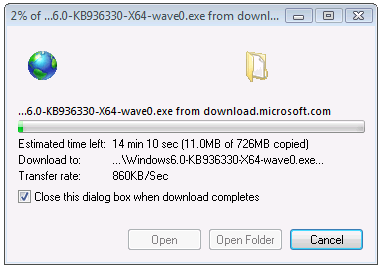
Install the service pack
After the download completes, locate Windows6.0-KB936330-X86-wave0.exe and run the SP1 update. Make sure your computer's hard disk has enough free space. The 32-bit SP1 requires a minimum of 7 gigabytes (GB); the 64-bit SP1 requires a minimum of 13 GB. Click Run if a security warning appears, and click Continue if UAC is enabled.
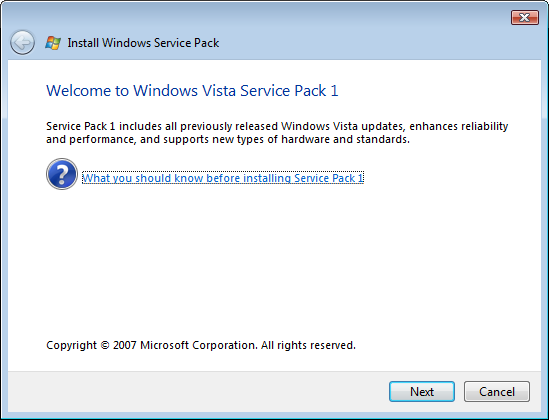
Click Next.
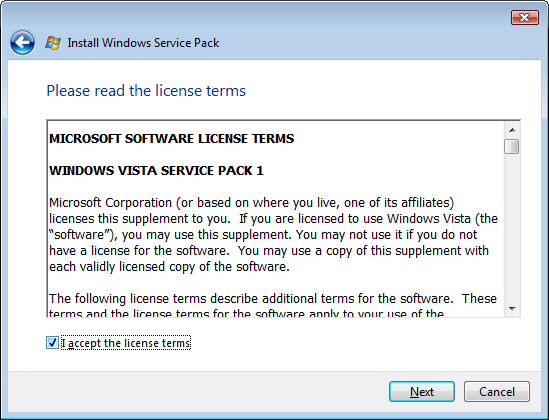
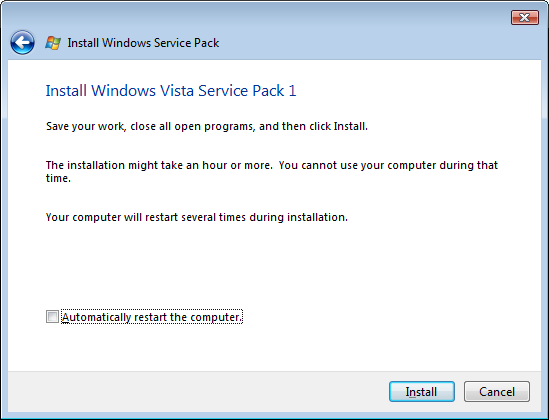
I unchecked "Automatically restart the computer" and clicked Install.
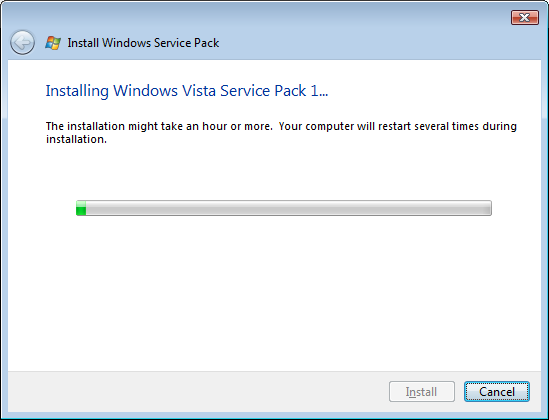
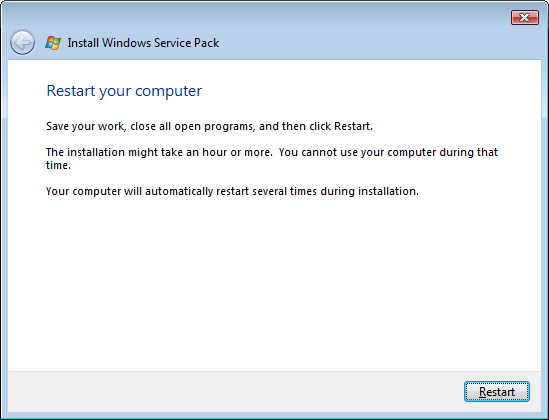
Click Restart. Vista will reboot and take a few more minutes to finish the update.
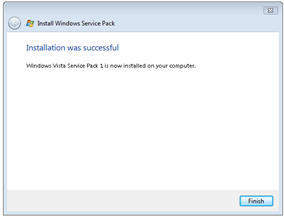
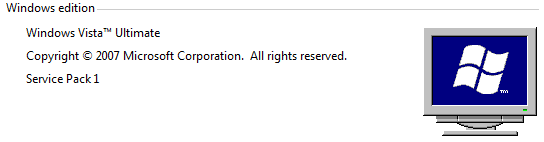
Service Pack 1 installed successfully. I had tried installing the beta versions before, and, as I posted at the time, each installation failed.