Acronis: Schedule backups of personal files
The new year has started, with several interesting products on the way. Windows Server 2008 is scheduled for release on 28 February 2008, and VMware ESX 3.5 came out just before Christmas. Before evaluating the new products, it is useful to look back at the previous year. For me, the new year always starts with backing up important personal files to DVDs and other media.
At work, I manually back up my PST files each month and then zip them to save space on my USB disk. I last did this for my private data in January last year.
I have been evaluating Acronis True Image, and this year I plan to use full and differential backups. I have already created a highly compressed 18 GB full backup archive of my personal files at home, encrypted with 256-bit AES.
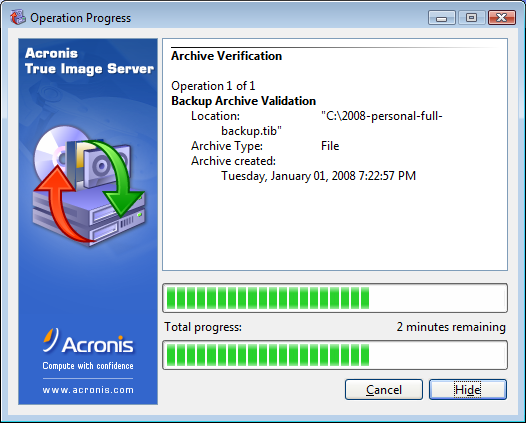
Verifying the archive took a couple of minutes. I am now ready to copy the large TIB file to my second SATA disk and my USB disk. I will schedule a task to back up changed files each month using a differential method based on the full backup archive.
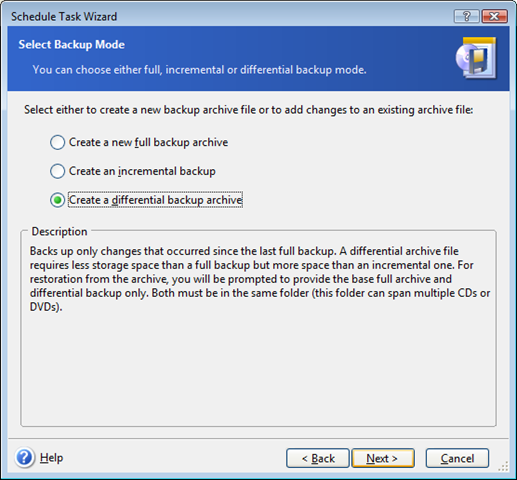
Acronis uses a different method from NTBackup for full and differential backups. The built-in Windows ntbackup.exe tool includes complete files that have changed since the initial full backup. Acronis backs up only the deltas (bits changed) within a file. This will keep the size of my monthly backups to a minimum.
For more information, visit the Acronis True Image website.