Office 2007: Update an SVS layer to SP1
While learning to export SVS application-virtualization layers, I deleted C:\MSOCache from my Office 2007 Enterprise layer to reduce the space needed on other virtual machine guests. When I tried importing the layer into Windows Server 2003, Office required the local installation source files. I had created the layer at work and did not have those files available, so I decided to recreate and fine-tune it.
Update the recreated layer
I installed Office 2007 Enterprise with the default options and deactivated the layer. I then selected Update Layer (CRTL-U in the SVS Admin console). Select the Office layer and browse to the Office 2007 SP1 file, available from the link below.
Download Office 2007 SP1 from Microsoft.
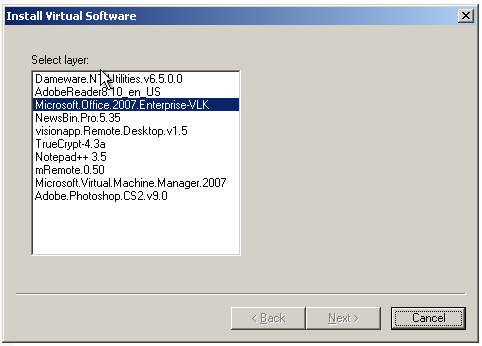
Select the Office 2007 package and click Next.
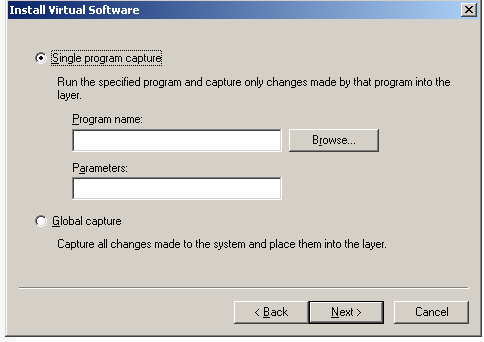
Click Browse and locate office2007sp1-kb936982-fullfile-en-us.exe.
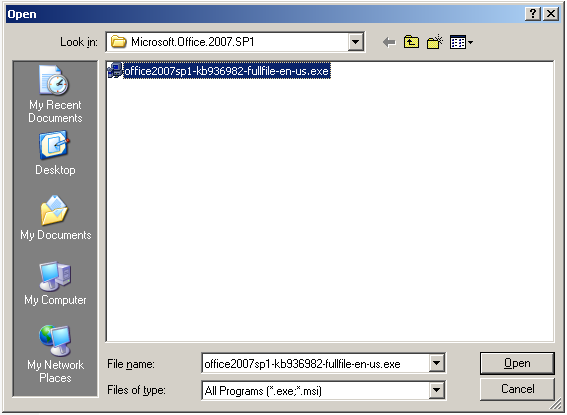
Click Open, Next and Finish to start installation.
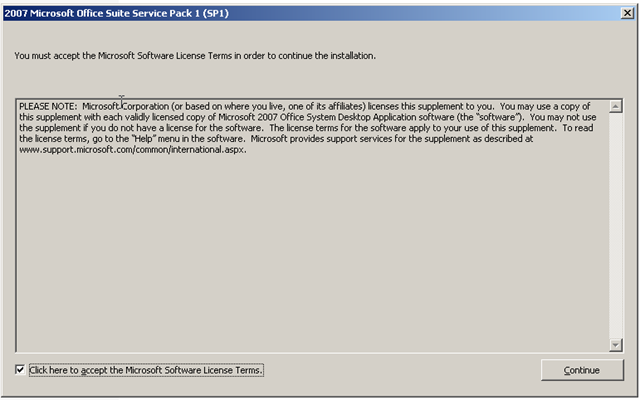
Select the checkbox to accept the license and click Continue.
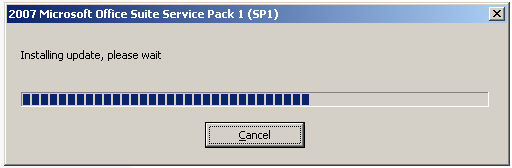
Setup installs the update. It took five minutes on my virtual machine.
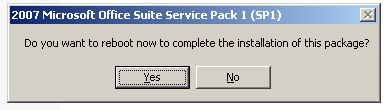
I do not think this is needed ;-)
Click No and check the Office applications.
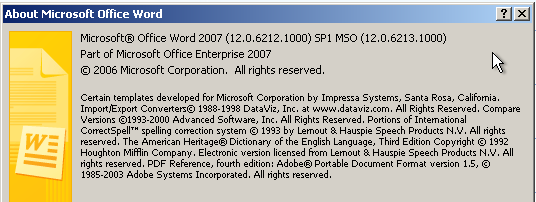
SP1 appears to be installed in Word 2007.