Azure DevTest Labs: Run WordPress with Docker
It had been a long time since I last used a Linux console to install packages. While taking the “Developing Microsoft Azure Solutions (70-532)” course, I learned about DevTest Labs and created an Ubuntu server image with Docker added as an artifact. I like the idea of creating and configuring images that developers, IT staff or end users can use to test applications.
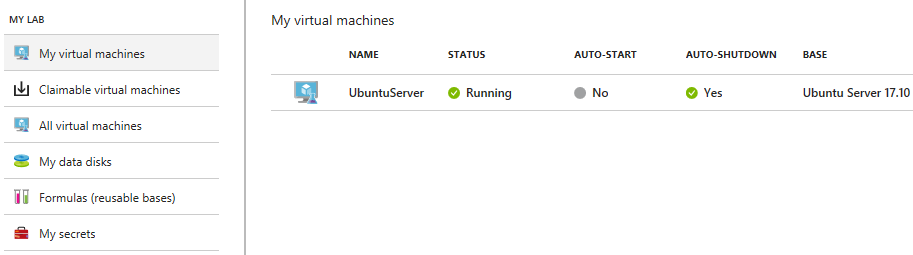
The Ubuntu server was running, and I could connect to it through SSH. With help from Google, I found the commands to get a WordPress site running. I already knew what Docker was and wanted to try it myself.
Configure the database and WordPress containers
| |
Configure access to the site
After completing these steps, I tried connecting to the Ubuntu server on TCP port 8080. Further reading and a look through the DevTest Lab resources showed that I needed an additional inbound NAT rule pointing to the VM and the port configured with the -p option.
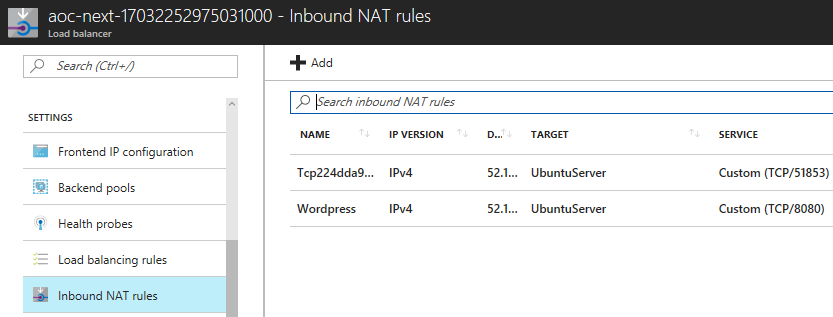
I ran curl -I 10.0.0.4:8080 to check local connectivity from the Ubuntu server:
| |
The output looked good, so I opened Internet Explorer and followed the WordPress installation steps to create a new site.
Start the containers after a reboot
I also learned that I needed to update the containers' restart settings. Without that change, they did not start after a server reboot. These two commands resolved the problem:
| |
I will continue maintaining my Ubuntu server, exploring Docker containers and refreshing my Linux knowledge.