On my Ubuntu JeOS 8.04 virtual machine, crontab was missing from the default installation. This is the tool used to schedule tasks at specified times.
Cron is a daemon used for scheduling tasks to be executed at a certain time. Each user has a crontab file, allowing them to specify actions and times that they should be executed. There is also a system crontab, allowing tasks such as log rotation and locate database updating to be done regularly. Read more here..
If crontab is missing the cron package was skipped... Bad media? Bad package? Maybe other packages are skipped. If this happened it's best to check your install.

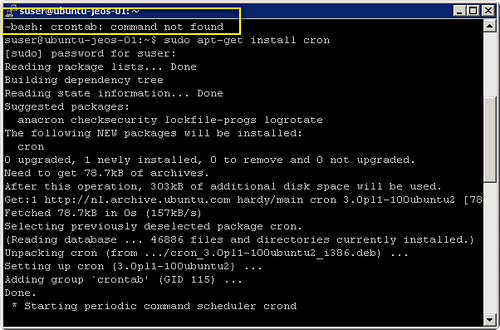
If crontab is missing the cron package was skipped... Bad media? Bad package? Maybe other packages are skipped. If this happened it's best to check your install.