
 Hi there! Welcome to my blog. My name is Ivan. I am a Dutch IT Professional working as Principal IT Consultant.
 This morning my Cacti appliance warned me that a windows system volume was getting above 90% of used disk space. A while ago I configured this to get notified with an email.
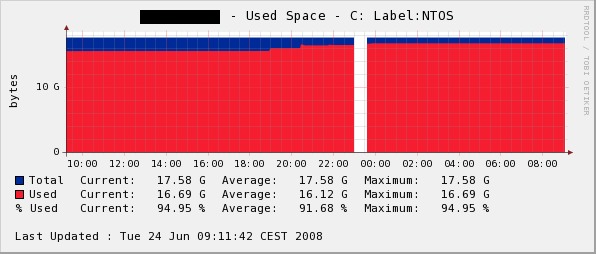
When partitioning this Windows server I didn’t plan the disk configuration. My current problem is that server has 4GB of RAM and paging file is sitting on C:\.
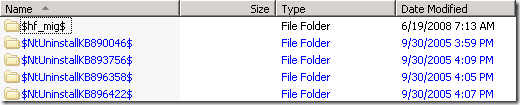
I was not able to move the paging file and I could not move the virtual machines to another volume. I browsed through C:\Windows directory where I found a lot of blue directories used by the Automatic Updates. It was more than 500MB.\
How to safely remove Windows Security updates cache from C:\Windows?
To safely remove Hotfix Backup files and Add/Remove Programs Registry entries go here and download the tool. Run the tool and remove all Hotfix backup files.
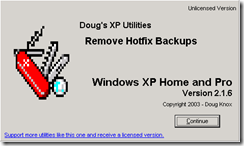
After you run the tool, go to c:\Windows and delete all blue marked directories. They all starting with $ sign.
There is another directory which you should check. Go to C:\WINDOWS\SoftwareDistribution\Download and verify the size. My folder was 600MB huge.
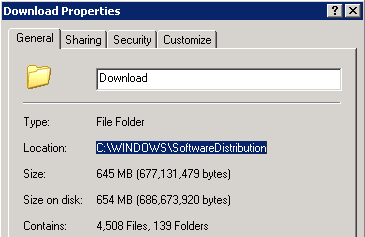
Stop “Automatic Updates” service from Services console or run “net stop wuauserv” from command prompt.
Delete all sub folders from C:\WINDOWS\SoftwareDistribution\Download directory. Restart the “Automatic Updates” service. This procedure can be executed on a Windows XP or a Windows Server 2003 system.


Leave a comment