
 Hi there! Welcome to my blog. My name is Ivan. I am a Dutch IT Professional working as Principal IT Consultant.
 When I open the “Active Directly Sites and Services” console, I got the following error message.
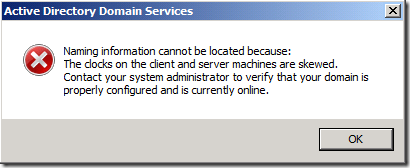
My Windows Hyper-V server is sitting in a workgroup. The server it is not syncing to a external NTP time server. One of my domain controllers is running on this host where I had authentication issues.
The best solution for this problem is to disable the time synchronization between server and virtual machine.
Right click the virtual machine; choose settings within the Hyper-V management console. Go to Integration Services and uncheck “Time synchronization”.
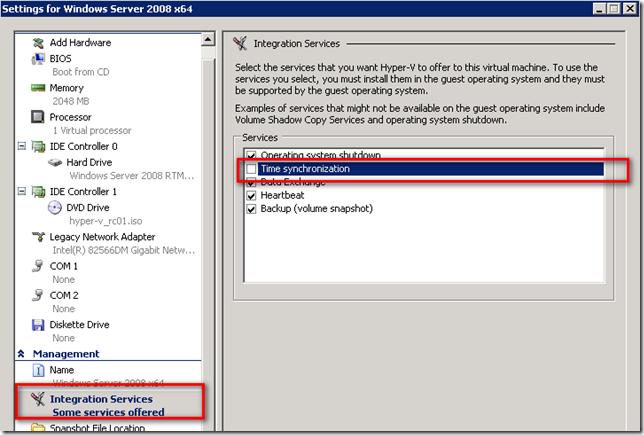
After the reboot the domain controller synced the time.


Leave a comment