
 Hi there! Welcome to my blog. My name is Ivan. I am a Dutch IT Professional working as Principal IT Consultant.
 Today I moved my data using the robocopy.exe tool and using the /move switch; the tool migrated data from one usb disk to another one. Before returning my usb disk to the IT department I checked the disk partition with one of the tools I use to check deleted files. Guess what the tool found 18000 files in 10 minutes scan on the usb volume which was empty…
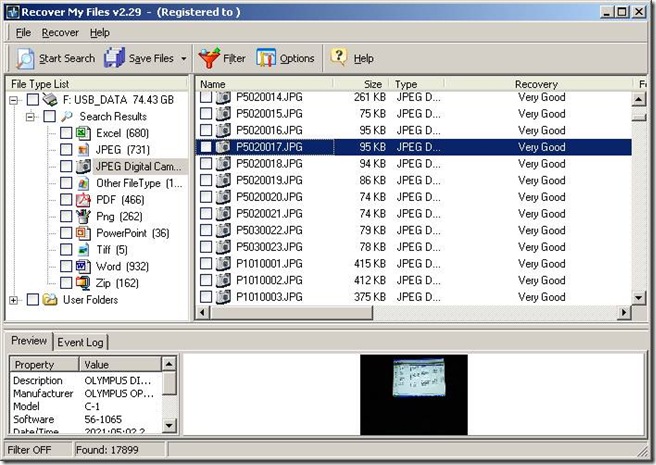
Before I will return this USB disk for re-use I will make sure no data is left which can be recovered by any tool. With physical disks I used gdisk with dod option to wipe all data. For the USB disk I am going to install tool called Eraser which is freeware.
How to safely clean a harrdisk before disposal?
Go to http://www.heidi.ie/eraser/download.php and download the Eraser tool.
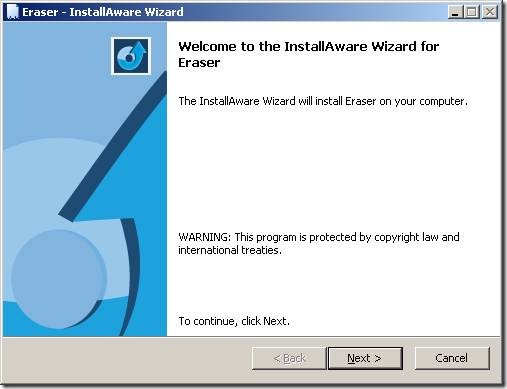
Click Next
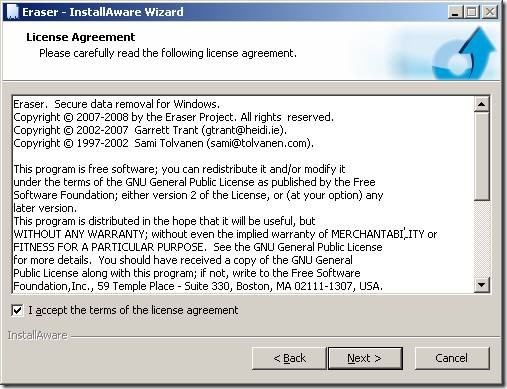
Accept the license and click Next
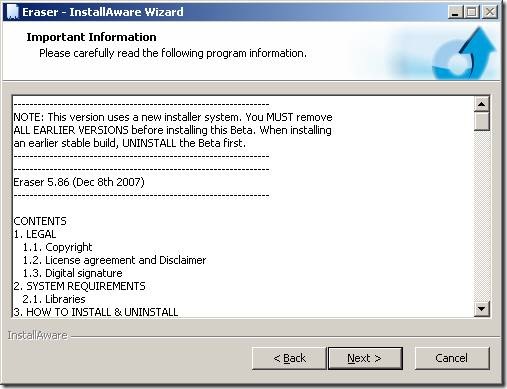
Click Next
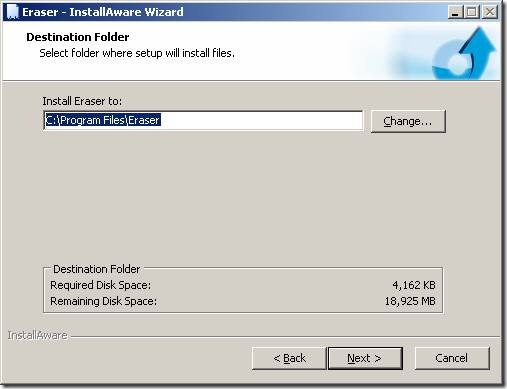
Click Next
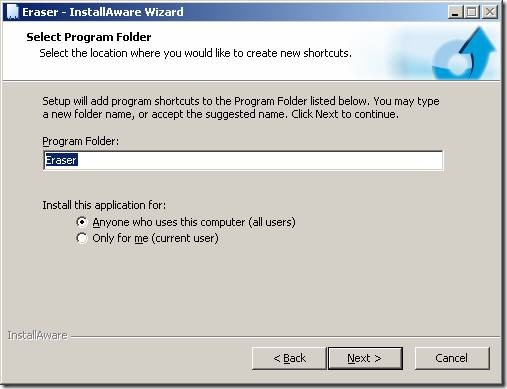
Click Next
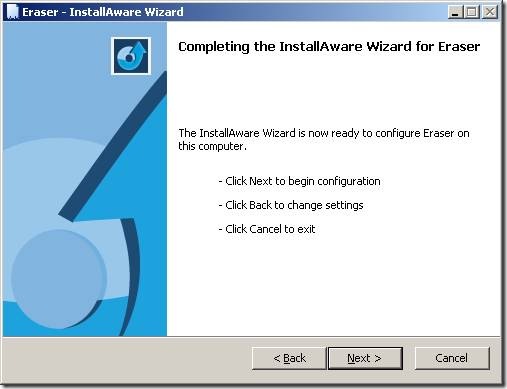
Click Next
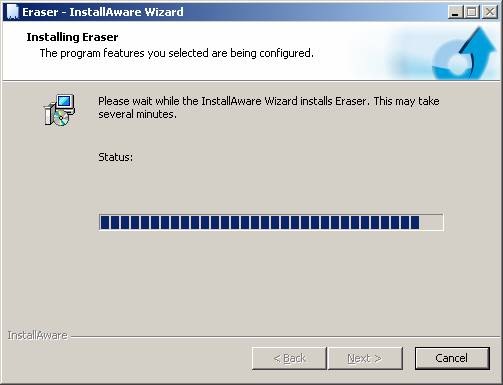
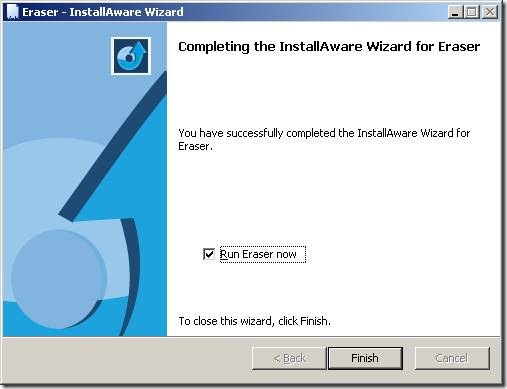
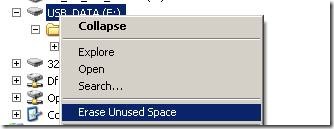
Click Finish and the tool has been loaded on your computer. Locate now the disk/folder or file and right click with mouse; select Erase as illustrated below.
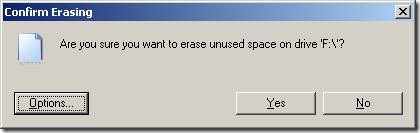
Review Options and click Yes.
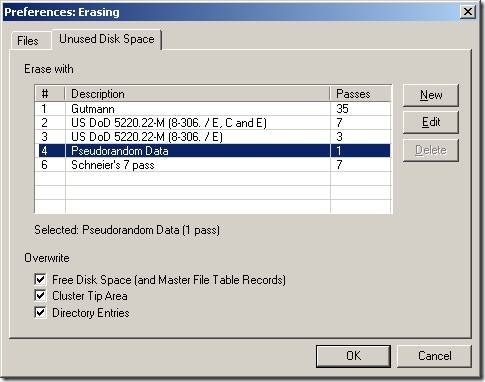
The data has been overwritten.
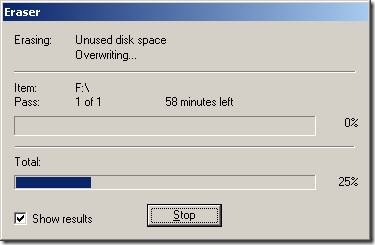
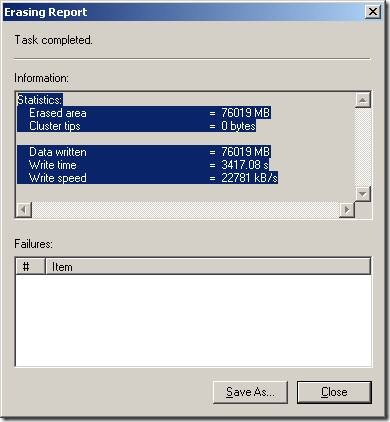
After the erase process has finished I re-run my “Recover My Files” tool and now it was only being able to read rubbish written by the Eraser tool.
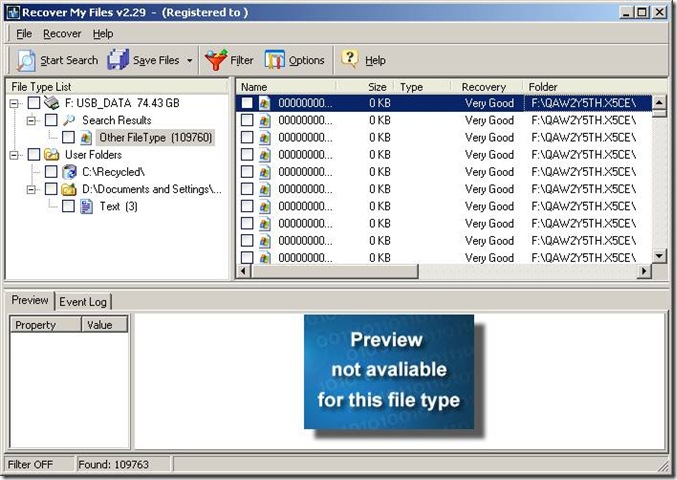
We all should be aware if you delete a file in Windows and clean up the Recycle-Bin that files are not deleted from the physical disk. Only file reference information is removed from file allocation table and easy recoverable with small tools. Was this post useful for you? Please support me below by checking out the ads.


Leave a comment