
 Hi there! Welcome to my blog. My name is Ivan. I am a Dutch IT Professional working as Principal IT Consultant.
 Microsoft Office 2007 has a free PDF or XPS converter which is available for download from the Microsoft’s website and easy to install. No need for additional PDF printer/converter; just install and convert any of your documents into these two popular document formats.

Download SaveAsPDFandXPS.exe from here.

Run SaveAsPDFandXPS.exe and accept the Software Terms. Click Continue…

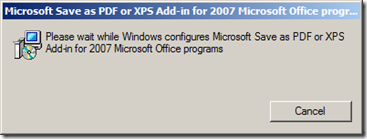
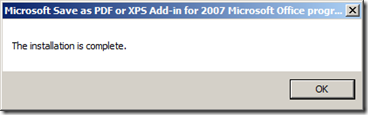
Click Office button; save as and choose PDF or XPS
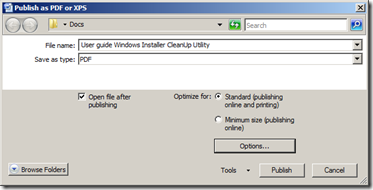
That’s all and for free. If you put the SaveAsPDFandXPS.exe in the installation folder named “Updates” than it will automatically be installed as part of the installation routine. As far I remember Microsoft was not allowed to have this included by default and we as users are forced to first download the binaries from the internet.


RP
It will not install automatically if you put it in the “Updates” folder, that folder will only work for *.MSP files.