
 Hi there! Welcome to my blog. My name is Ivan. I am a Dutch IT Professional working as Principal IT Consultant.
 KB949758 allows you to install the remote management console of a Windows Server 2008 computer running the Hyper-V RC0 role. Download the update here for x86 or x64 if you are running Windows Vista SP1. I already hit couple of times issues when managing my virtual machines remotely with RDP console session.

I am not able to control mouse session when using rdp console session Hyper-V Manager Virtual Machine Connections and only keyboard is working. “Mouse not captured in Remote Desktop Session”.
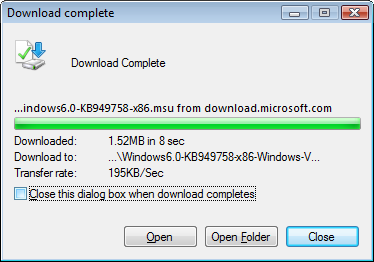
The update for my x86 machine only requires 1.52MB of space and 5 minutes of installing.
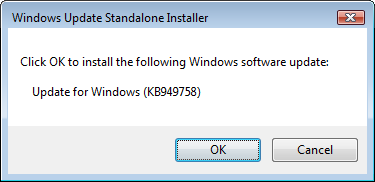
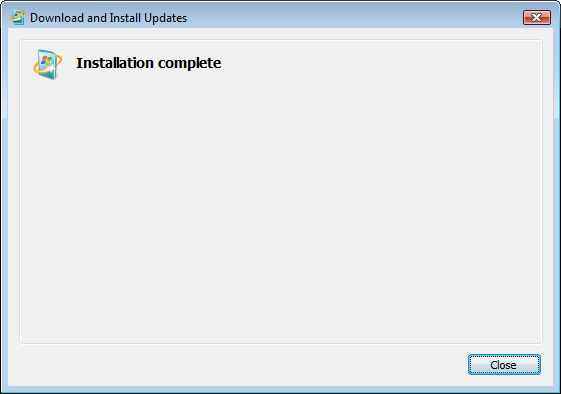
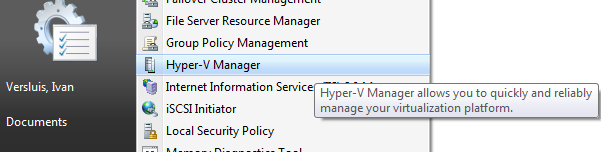
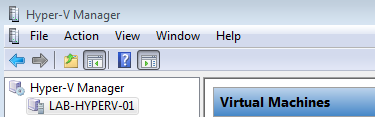
After the update has been installed go to Administrative Tools and start the Hyper-V Manager mmc console for your Windows Server 2008 Hyper-V RC0 host servers.


Kevin Nguyen
I am using Remote desktop connectin to oonnect to Server 2008 with Hpyer-V. I can use the mouse on host computer but not on VM. I got message ” Mouse not captured in remote Desktop session’. Please help. Thanks